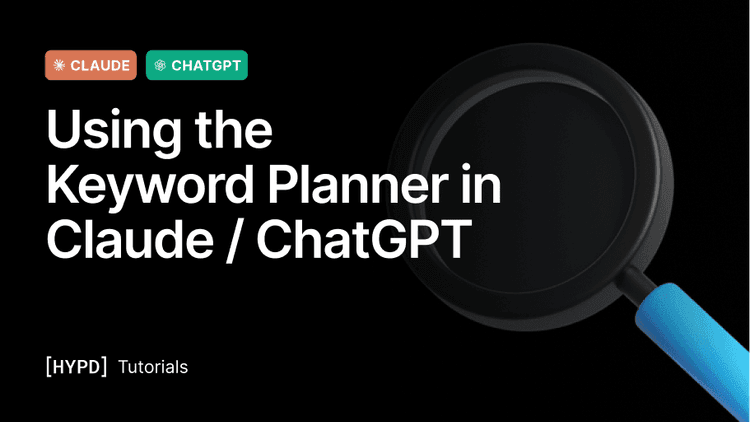
Generate keyword ideas and pull volumes, CPCs, and competition, straight from Google's Keyword Planner, without leaving the chat.
Generate keyword ideas and pull volumes, CPCs, and competition — straight from Google's Keyword Planner, without leaving the chat.
Hypd gives you Google's Keyword Planner data directly in Claude and ChatGPT. You can generate fresh keyword ideas from five different starting points, or pull volumes, CPCs, and competition for a list of keywords you already have. It's the fastest way to size demand, find new terms, and build out campaigns without switching tools.
Five ways to use it
Each method is just a different "seed" for the keyword ideas — pick whichever matches what you already have.
- Suggestions based on Existing Campaigns — generate new keyword ideas seeded from what's already running in the account, so you expand on terms you know already convert.
- Suggestions based on Landing Page Scraping — point it at a landing page and it reads the page content to suggest relevant keywords.
- Suggestions based on Service/Product Description — describe your product or service in plain words and get keyword ideas back, no URL needed.
- Suggestions based on URL — seed ideas from any website URL (yours or a competitor's), the same way Google's "start with a website" works.
- Volumes / CPCs / Competition for an existing list of Keywords — paste a list of keywords you already have and get search volume, CPC ranges, and competition for each.
How to use it
Work inside the relevant project and tell Claude (or ChatGPT) which method you want and what to seed it with — an account, a URL, a page, a description, or a list of keywords. Results default to your account's country and language, otherwise name a different market if you need one.
You don't have to remember the exact method names. Just describe what you want ("give me keyword ideas from this landing page" or "pull volumes for these keywords") and it will run the right one.
Use our pre-made prompts
Hypd ships with ready-made Keyword Planner prompts. Just ask:
Claude then walks you through them so you can pick the right one for what you're trying to do — expanding an existing account, researching a new one, or validating a keyword list.
What's important to know
- All five methods return Google Keyword Planner data — volumes, CPCs, and competition come from the same source you'd see in the Google Ads UI, so you can trust them for planning and budgeting.
- Pick the seed that fits your situation — use Existing Campaigns to expand a live account, a URL or landing page for a new client, and a description when there's no page to point at yet.
- Combine it with your other tools — take the keywords you find into the SERP, Ads Library, or Landing Page tools to see how competitive each term really is before you commit budget.
Sample prompts
Copy any of these into a project chat. Anything in [brackets] is a variable to change.