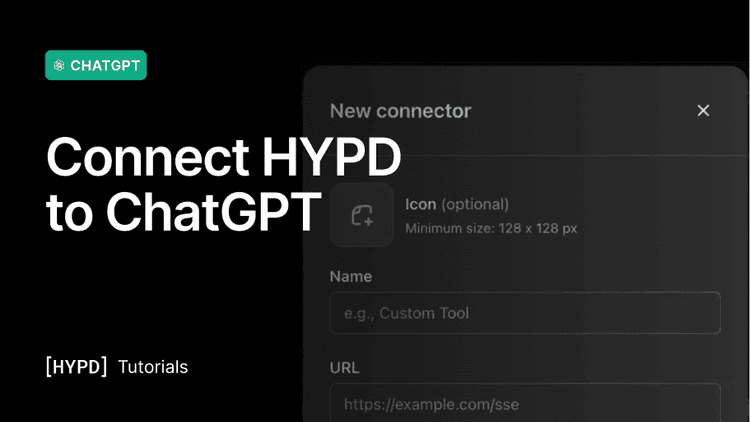
Learn how to connect your platforms and add HYPD to ChatGPT as a custom connector, so you can use your ad accounts straight from your prompts.
A quick walkthrough to get you set up and working in ChatGPT.
1. Connect your ad accounts to Hypd
Connect your marketing platform (Google Ads, Merchant Center, Meta soon) in Hypd by providing access via the API. After you've connected the account, you can select the ad accounts you want to grant access to.
So if you connect an MCC, you can later choose to connect only selected ad accounts.
FYI for Google Ads: We only use read-only permissions. the AI Agent can't make any changes to the account. We do request edit rights when you connect your Google Ads account, because Google doesn't provide a "read-only scope" for their API.
2. Add HYPD to ChatGPT
Follow these steps (1-min video walkthrough):
1. Open ChatGPT in the browser (www.chatgpt.com) and click "Settings". 2. Go to Apps → Advanced Settings and turn on Developer Mode. 3. Back on the Apps page, click "Create" at the top to add a new connector. 4. Enter the name HYPD and paste the MCP Server URL:
5. Click Create and connect with your hypd.ai account.
7. You are ready to go!
3. (Recommended) Opt out of model training
We recommend opting out of model training so your clients' data can't be used to improve OpenAI's models. OpenAI states they don't train on your data without consent, and anonymise it when they do, but we suggest opting out to be safe.
Go to "Settings" → "Data controls" and turn off "Improve the model for everyone".
4. You're ready to go
That's it, HYPD is now available in ChatGPT. Add @hypd to any prompt to pull in your ad accounts.
For the best results, we'd recommend setting up a few best practices before you get started. See the next article, Best Practices: Working in Projects, Managing Context & Prompts in ChatGPT , to learn how to work in projects, use our pre-made prompts, and manage client context for better results.
If you want to get started right away, try one of these: