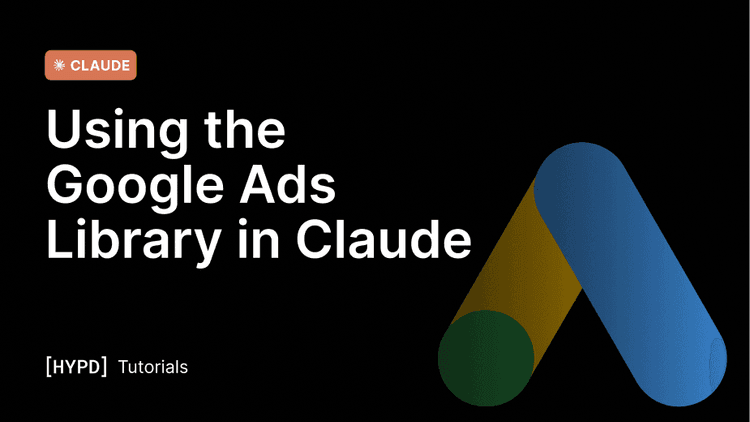
See who's advertising for a keyword and pull a competitor's live ad creatives to inform your own tests.
Hypd can show you the ads your competitors are running right now, directly pulled from Google's Ads Transparency Center.
Start from a keyword to find who's advertising, or from a domain to see a specific competitor's live creatives across Search, YouTube, Shopping, and Display. It's the fastest way to read the market's messaging and spot which angles are worth testing yourself.
What you can do with it
- Find who's advertising for a keyword or brand term.
- See a competitor's live ads — their actual text, image, and video creatives, currently running.
- Read their messaging — the hooks, offers, and CTAs they're leaning on.
- Gauge creative cadence — whether a competitor refreshes ads often (an active team) or runs the same creative for months (on autopilot).
- Find gaps to test — borrow the idea, not the copy, and design your own tests.
How to use it
Work inside the relevant project. Give Claude a keyword to find advertisers, or a competitor domain to see their live ads. You can filter by platform (Search, YouTube, Shopping, Display) and format (text, image, video). Results default to your account's country and language, otherwise name a different market if you need one.
What's important to know
- Borrow ideas, not copy — use competitor ads to inform your own angles and tests, not to duplicate.
- It shows what's live now — great for a current read of the market; for trends, check back over time.
- Pair it with Competitor Domains — find who competes, then see exactly what they're running.
Sample prompts
Copy any of these into a project chat. Anything in [brackets] is a variable to change.